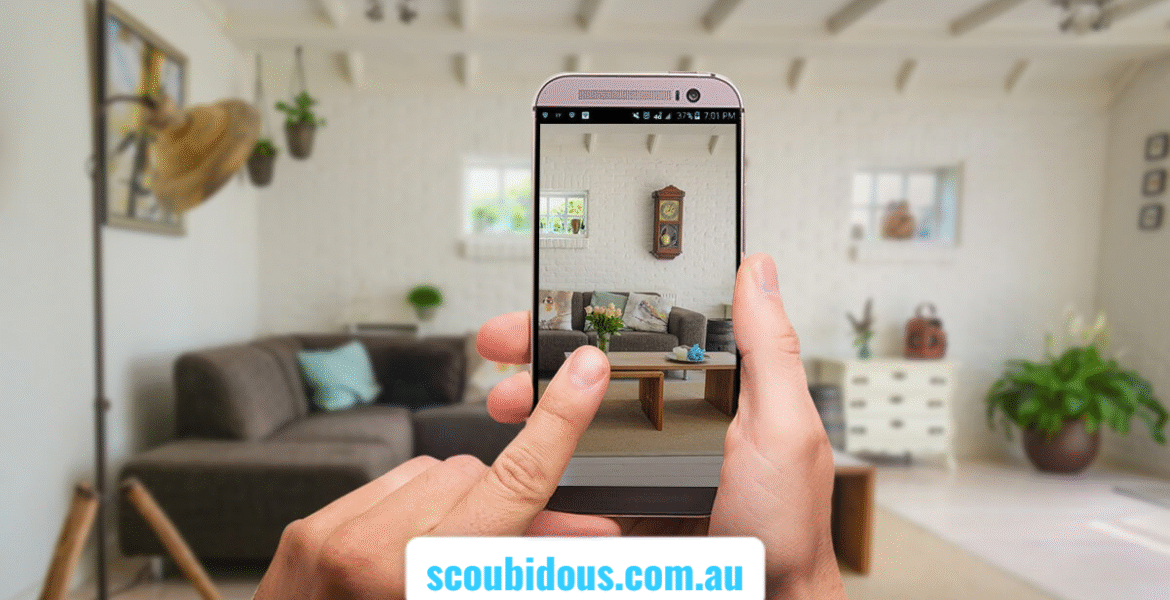
A home design app allows users to plan, sketch, and visualize their dream home using 2D floor plans and 3D models. Many apps are free or freemium, offering tools to create room layouts, add furniture, and experiment with design ideas. These apps simplify home planning, let you preview layouts before construction, and make designing your own home online free, fast, and intuitive.
Introduction
Designing a house has never been easier thanks to modern home design apps. Whether you want a small apartment renovation or a full custom house, these tools allow you to visualize layouts, experiment with furniture, and adjust floor plans without hiring professionals. Free home design software offers features like 2D and 3D views, drag-and-drop furniture libraries, and realistic home plan visualizations. With a house design app, even beginners can create accurate home plans, test interior designs, and explore multiple layout options, making home planning fun, interactive, and highly creative.
Planner 5D — Beginner-Friendly Layout Tool
Planner 5D is one of the most accessible free home design software options. Its intuitive drag-and-drop interface lets users create walls, doors, and furniture easily. Switching between 2D floor plans and 3D models provides a realistic sense of space. Beginners can experiment with furniture placement, room flow, and layouts without prior experience. The free version supports basic house plan creation, while premium content adds advanced furniture and textures. It is ideal for those who want to design their own house online free or test simple layouts before construction or renovation.
Sweet Home 3D — Downloadable Floor Plan Software
Sweet Home 3D offers detailed floor plan creation with 2D drawing tools that instantly convert to 3D views. You can import scanned blueprints or create layouts from scratch. The software allows adding furniture, doors, windows, and textures to build a realistic home model. Users can export 3D designs or floor plans for reference. It is perfect for DIY home planners seeking house design software free that works offline. Sweet Home 3D balances simplicity and precision, making it an excellent choice for experimenting with layouts and interior design without subscription fees.
Floorplanner — Fast Online Layouts
Floorplanner is a web-based tool designed for rapid floor plan creation. It allows users to draw room boundaries, add walls, doors, and furniture, then visualize layouts in 3D. Its simplicity makes it ideal for small-scale projects or testing multiple design ideas quickly. Floorplanner is perfect for users who want a free house design app for basic layouts. The platform also supports exporting designs, making it convenient for home renovation planning, interior adjustments, or sharing house designs plan free with contractors or family members.
SketchUp Free — Professional 3D Modeling Online
SketchUp Free provides professional-grade 3D modeling directly in your browser. Users can design walls, roofs, furniture, and even outdoor landscapes. Its precise tools make it possible to create highly detailed house models or complex floor plans. Though beginners may find the learning curve steeper, it offers unmatched control over design details. SketchUp Free is ideal for users who want to design a house 3D, build realistic home plans, and explore advanced layout ideas without purchasing expensive software.
RoomSketcher — Accurate Floor Plans for Construction
RoomSketcher emphasizes precision in floor plans, wall measurements, and room layouts. It is widely used for renovation projects, real estate planning, and construction-ready designs. The app offers both 2D and 3D views, allowing users to visualize interiors accurately. RoomSketcher’s features make it easy to create detailed house plan drawings online free, which can be shared with contractors. It is perfect for users who need exact measurements and professional-looking floor plans while still using free home design software.
Also read this: Scoubidous Meaning & DIY Guide: Creat Colorful Scoobies
HomeByMe — Photorealistic Interior Visualization
HomeByMe focuses on photorealistic 3D rendering and immersive walkthroughs. Users can furnish rooms, apply textures, and explore lighting to see how spaces will look in reality. Its intuitive interface lets homeowners test styles, colors, and furniture placement effectively. Free plans support basic projects, while premium upgrades unlock larger design options. HomeByMe is ideal for users wanting home design software free that emphasizes realistic visualization and helps with interior planning decisions before committing to construction.
Magicplan — Camera-Based Floor Plans
Magicplan uses AR technology to create floor plans from real spaces. By scanning rooms with your smartphone, it automatically generates 2D and 3D plans. This is especially useful for renovations, remodeling, or existing homes. Magicplan simplifies measurements and layout creation, reducing errors common in manual drawing. It is highly effective for anyone looking to create your own home floor plan accurately without extensive technical skills. The app integrates directly with other design software for seamless project continuation.
Benefits of Free Home Design Apps
Free home design software empowers users to create, modify, and visualize layouts without hiring architects. Features include drag-and-drop furniture, 3D modeling, and realistic rendering. Users can experiment with multiple layouts, explore room combinations, and test interior designs. Many apps also allow exporting plans for builders or contractors. Free apps democratize home design, making it accessible to homeowners, hobbyists, and DIY enthusiasts. They save time, reduce errors, and encourage experimentation, supporting creativity while planning your house plan drawing online free.
Choosing the Right App for Your Needs
The choice of a home design app depends on project complexity. For simple layouts, Planner 5D or Floorplanner is ideal. For precise measurements, choose RoomSketcher or Magicplan. For realistic 3D visualization, use HomeByMe or SketchUp Free. Consider factors like device compatibility, project scale, and user experience. Free software often provides sufficient tools for small to medium projects. Choosing wisely ensures smooth home plan design without frustration, allowing you to create a practical, visually appealing design efficiently.
Trends and Innovations in 2025
In 2025, home design apps feature AI-assisted layouts, automated furniture placement, and AR/VR walkthroughs. Cloud-based storage and cross-device access are now standard. Free apps include expanded object libraries, high-quality renders, and collaborative tools. Users can experiment with photorealistic visuals, 3D home making software free, and immersive walkthroughs. These trends enable homeowners to take creative control, design their own home floor plan, and reduce reliance on professionals, marking a new era in accessible and interactive house building plans for free.
Common Mistakes to Avoid
New users often skip measuring room dimensions, leading to impractical layouts. Overloading free software with complex designs may slow performance. Ignoring 3D visualization can misrepresent space and furniture flow. Always verify measurements, start simple, and switch between 2D and 3D views. Proper planning ensures the design is functional and visually appealing. Following these guidelines allows users to design their own house floor plans accurately, making free home design software both practical and enjoyable.
Expert Tips for Beginners
Start with easy-to-use apps like Planner 5D or Floorplanner. Focus on learning basic tools, measuring accurately, and testing layouts in 3D. Avoid overcomplicating designs early. Gradually explore advanced software like SketchUp Free for detailed projects. Take advantage of tutorials, templates, and online communities. Implementing expert insights on home design app performance highlights can make your design workflow efficient, creative, and professional, even when using free or beginner-friendly apps.
7 FAQs
Q: Can I fully design a home using free apps?
Yes, free versions support 2D and 3D floor plans, furniture placement, and layout visualization for small to medium projects.
Q: Which app is easiest for beginners?
Planner 5D and Floorplanner are beginner-friendly due to drag-and-drop interfaces and simple controls.
Q: Can I export plans for builders?
Yes, apps like Sweet Home 3D and RoomSketcher allow PDF or 3D model exports suitable for construction.
Q: Do I need a powerful computer for 3D software?
Basic web-based apps run smoothly on standard devices; advanced rendering benefits from more capable hardware.
Q: Can I design a house on my phone?
Yes, Magicplan and other mobile apps let you create layouts and measure rooms using your camera.
Q: Are free apps limited?
Some restrict advanced furniture, textures, or large projects, but most allow practical floor plan creation and 3D visualization.
Q: How to choose the right app?
Match app features to your needs: simple layouts — Planner 5D; precise floor plans — RoomSketcher; 3D realism — HomeByMe or SketchUp Free.
Fore more info: scoubidous.com.au
You may also like


Leave a Reply